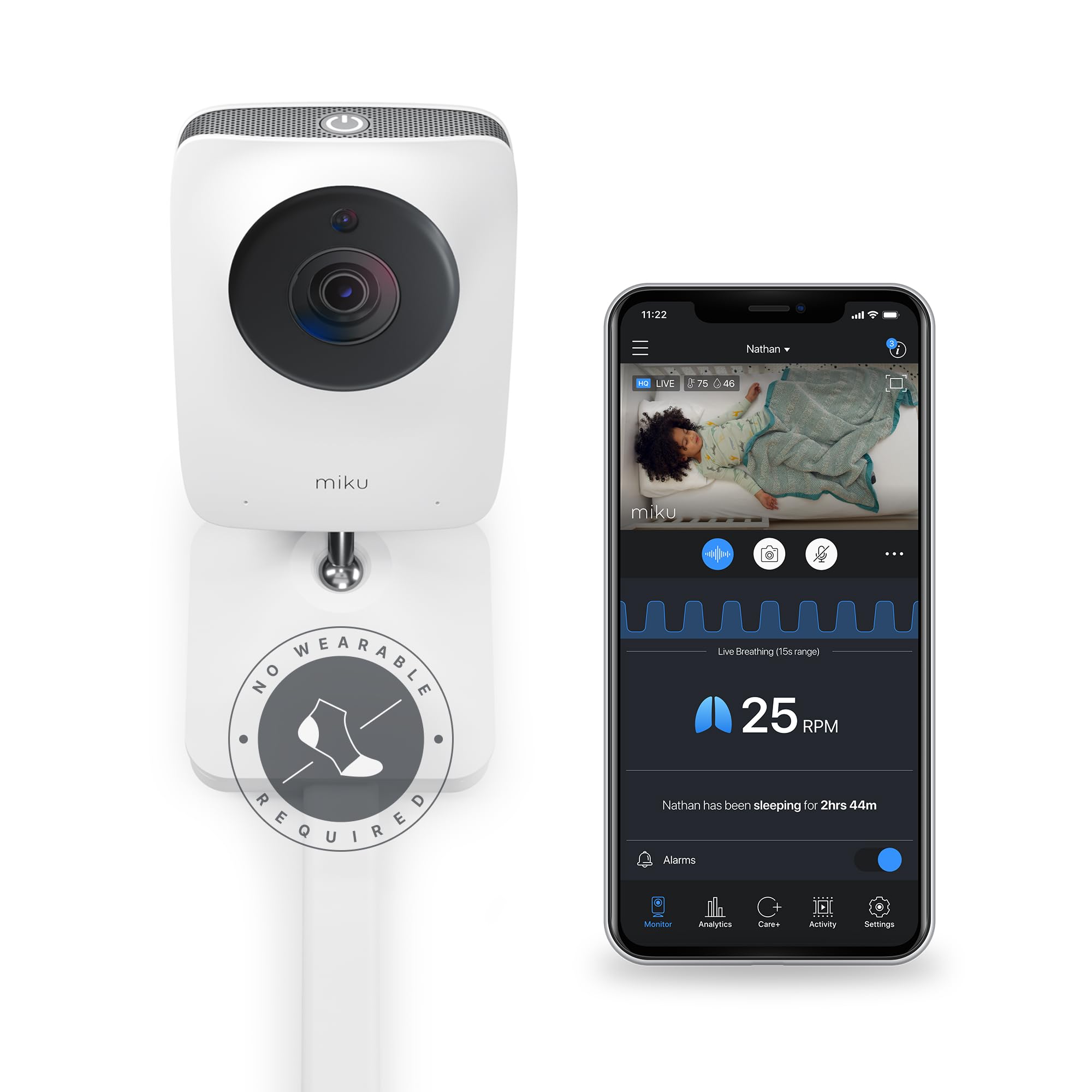
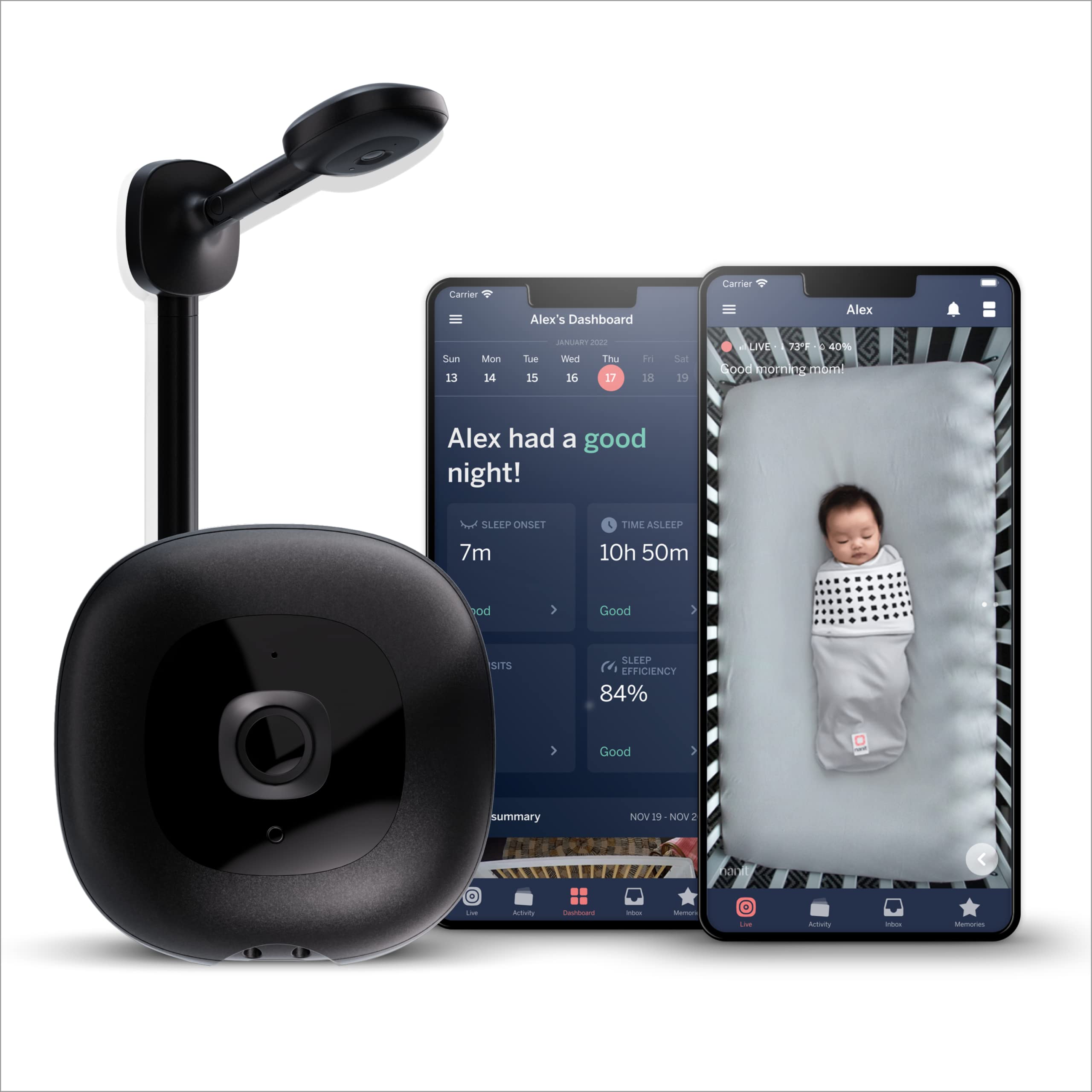
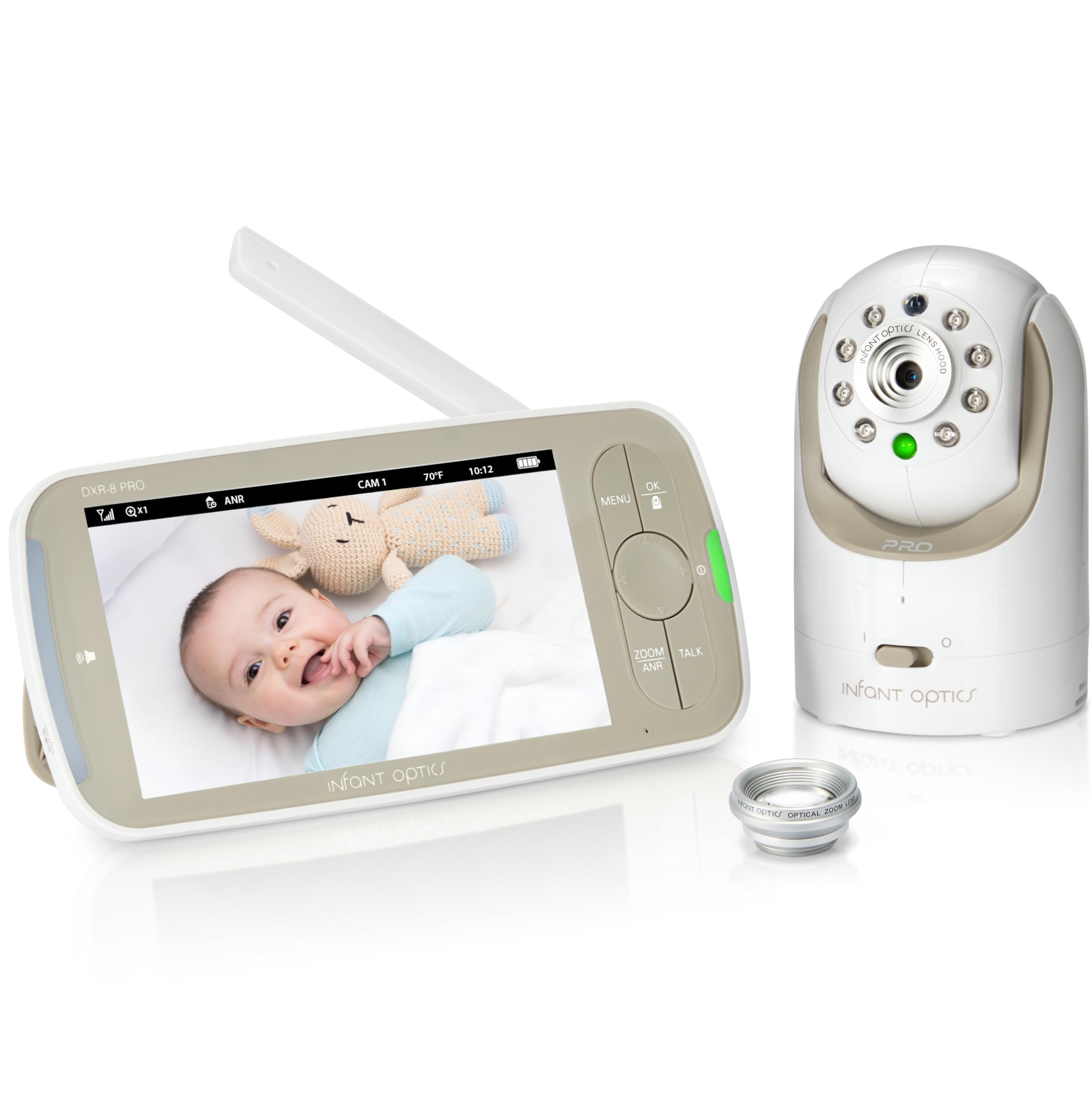
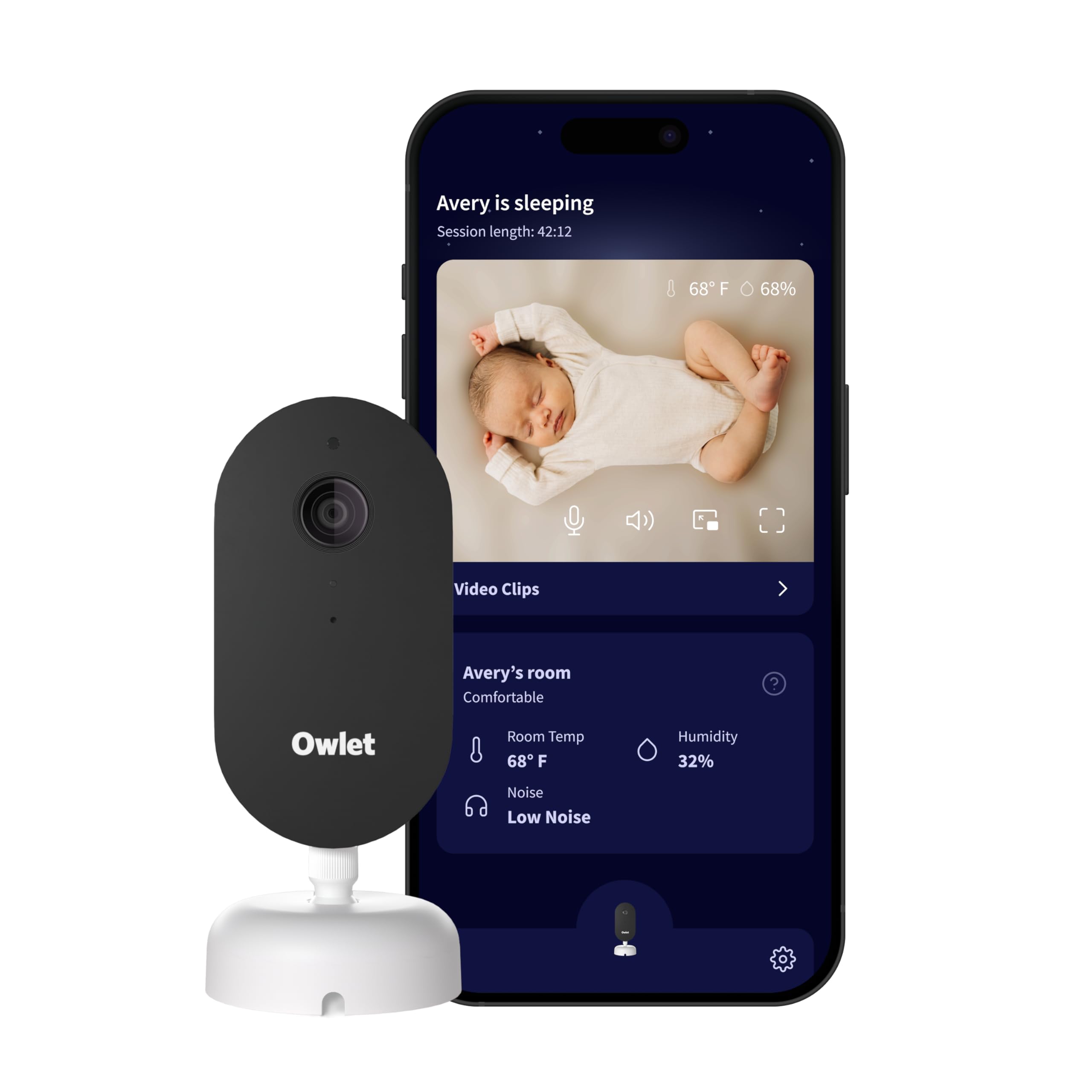
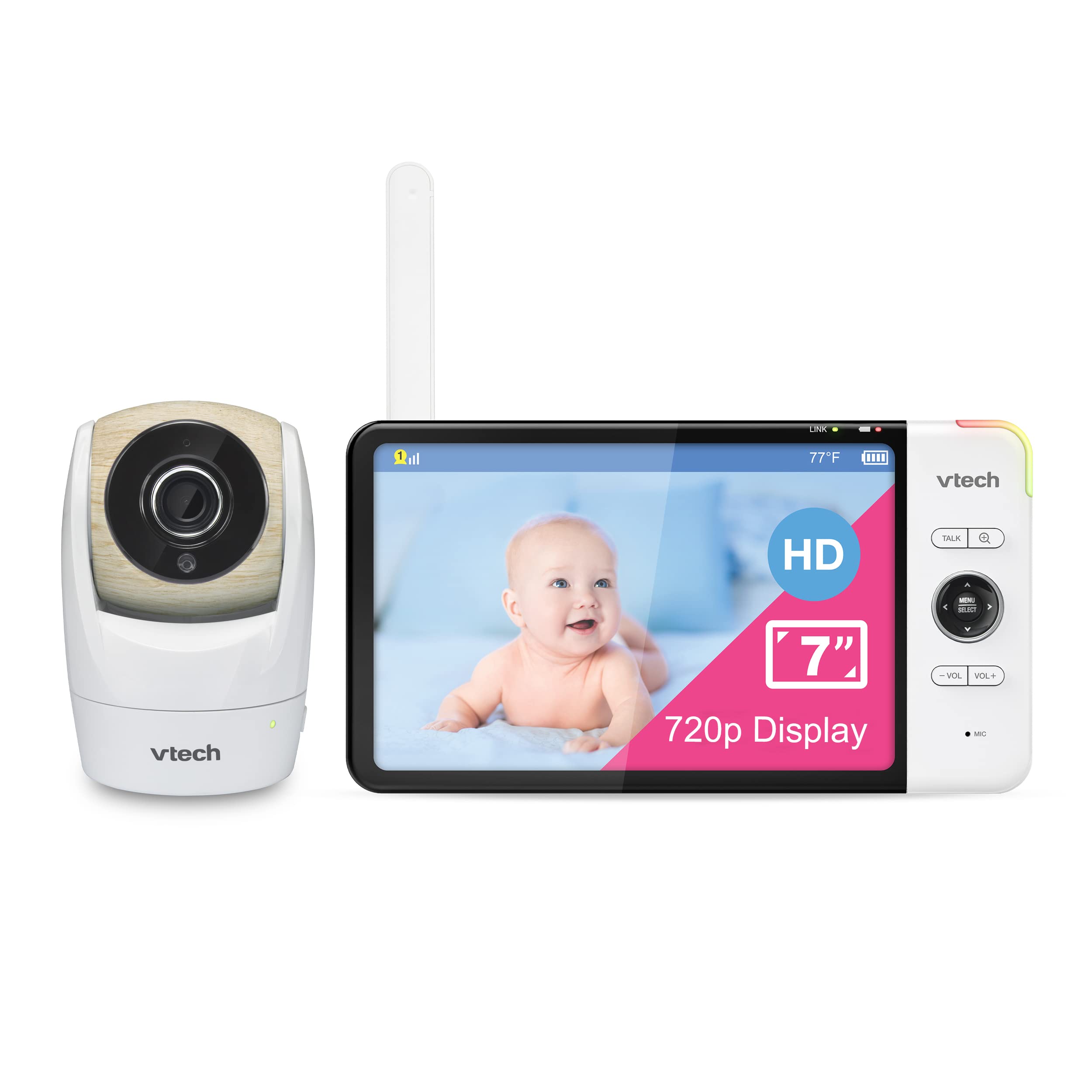
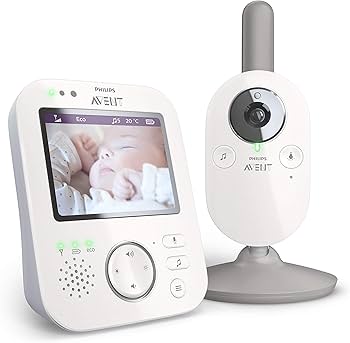
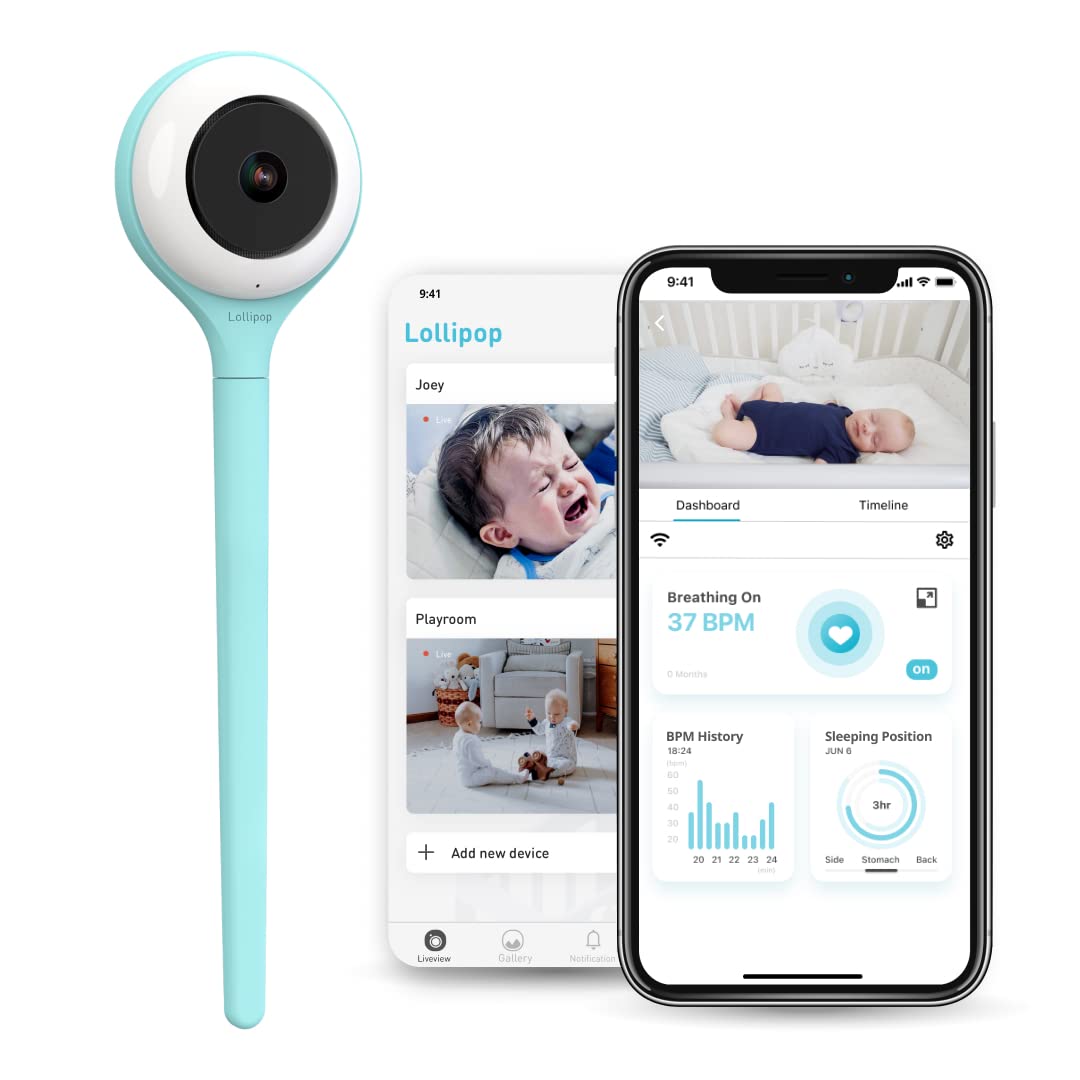
This guide is for new parents, caregivers, grandparents, and anyone responsible for a sleeping infant or toddler who wants a reliable way to hear and see a child from another room. It covers audio-only units, video monitors, portable battery models, and Wi-Fi enabled systems so you can pick the type that fits your home and routine.
Safety, reliability, privacy, and ease of use are the most important factors. Safety covers false alarms and placement; reliability covers range, battery life, and connection stability; privacy covers encryption and account controls for Wi-Fi models. Ease of use covers setup, alerts, and how intuitive the controls are in moments when you are tired or multitasking.
Use this list to narrow your search by type and feature set, then compare specific models for things like range in your home layout, how clear night vision is, and whether you need mobile access. If you live in a large house or frequently step outside, prioritize range and battery life. If you share video feeds with family, prioritize secure account controls.
Where possible, test a monitor in the space you plan to use it and read up-to-date user reviews for long term reliability and software updates. This guide explains what to look for and which trade offs are common so you can choose the best monitor for your needs.
How to choose
- Decide between audio-only and video: audio is simpler and uses less power, video adds visual reassurance but may require Wi-Fi or a dedicated display.
- Choose connection type: dedicated RF models offer low-latency private links, while Wi-Fi models provide remote viewing and advanced features but may need stronger security and network reliability.
- Consider range and home layout: check tested indoor and outdoor ranges and account for walls, floors, and interference from other devices.
- Battery versus plug-in: battery-powered parent units and portable cameras give flexibility but require charging; plug-in units avoid interruptions for continuous monitoring.
- Assess noise and motion detection accuracy: look for adjustable sensitivity to reduce false alerts from normal household noise or subtle camera movement.
- Pick display and alert style: larger parent displays and clear audio can be faster to interpret at night; push notifications to phones are convenient but can be delayed.
- Plan for growth: consider features like pan/tilt/zoom, expandability for multiple cameras, and whether the system can adapt as your child grows.
Key features that matter
- Audio clarity and two-way talk so you can soothe from another room without spooking the baby.
- Night vision quality for a clear picture in low light without disturbing the baby with visible light.
- Battery life and power options, including how long a charge lasts during normal use and whether low-battery alerts are reliable.
- Range and signal stability through walls and floors, especially in multi-level homes or apartments with thick walls.
- Security and privacy controls for Wi-Fi models, including encryption, strong password options, and firmware updates.
- Alert types and customization such as motion sensitivity, sound thresholds, and whether you want push notifications to a phone.
- Ease of setup and daily use, including how intuitive the interface is and whether multiple caregivers can access the feed simply and securely.
Common mistakes
- Assuming advertised range equals real-world range; obstacles and interference usually reduce effective distance.
- Choosing Wi-Fi models without checking router capacity, signal strength in the nursery, or the vendor's update policy.
- Relying solely on phone notifications for overnight monitoring because phone settings can mute alerts or introduce delays.
- Placing the camera too close to the crib where cords or power adapters become hazards, or where the field of view misses key areas.
- Overlooking privacy settings and shared account access when enabling remote viewing for relatives or caregivers.
Maintenance and longevity
- Keep firmware up to date to maintain security and fix bugs that affect reliability.
- Charge or replace batteries on a regular schedule and watch for reduced capacity over months of use.
- Clean lenses and microphones gently to preserve image and audio quality without damaging components.
- Store or replace cables that show wear to avoid intermittent power loss and potential safety hazards.
How we ranked
We prioritized core safety and reliability factors first: audio and video clarity, connection stability, and trustworthy privacy controls for Wi-Fi systems. Usability for caregivers was next, including setup simplicity, alert customization, and the clarity of on-device displays.
We also weighed long term considerations such as firmware update frequency and battery longevity so that a monitor remains useful and secure over time. Finally, we considered adaptability options like multiple camera support and features that help the monitor remain relevant as your child grows.
FAQ
Choose Wi-Fi if you need remote viewing on phones, cloud video, or easy sharing with family. Choose a non-Wi-Fi (dedicated RF) monitor if you want lower latency, simpler setup, and a smaller attack surface for privacy. Verify network security and update policy if you pick Wi-Fi.
Look for a model with tested indoor range that exceeds the distance between your nursery and the farthest place you will use the parent unit. Remember that walls, floors, and appliances reduce range; manufacturers tests are often ideal conditions.
Monitors are generally safe when placed correctly: keep cords and power adapters out of reach, mount cameras securely, and follow the manufacturer installation guidance. Monitors are not a substitute for safe sleep practices.
Place the camera out of the child's reach, angled to show the whole crib without being directly above the baby, and keep cords and mounts at least the recommended distance away from the mattress. Verify the field of view covers the area you want to monitor.
Reduce display brightness, lower camera activity such as continuous streaming, use power-saving modes, and charge regularly. Swapping to a plug-in setup at night can preserve battery for daytime portability.
Use a strong unique password, enable two-factor authentication if available, place the device on a separate guest network when possible, and apply firmware updates promptly. Review sharing and cloud settings before granting access to others.