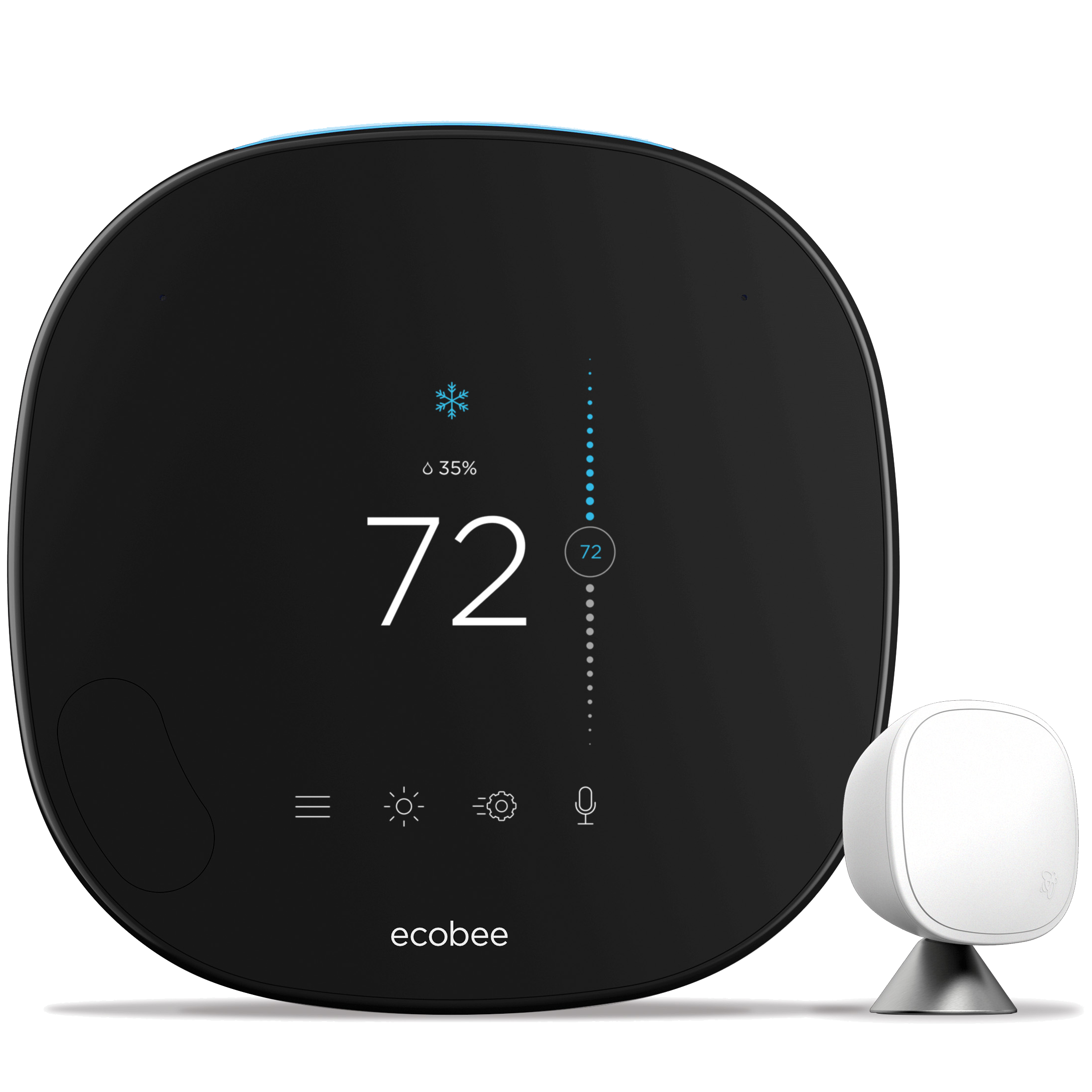
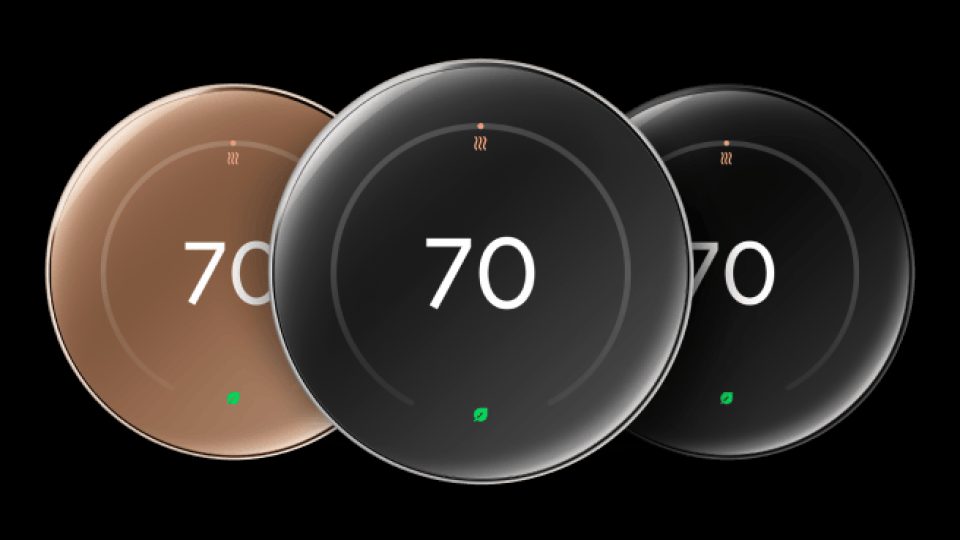
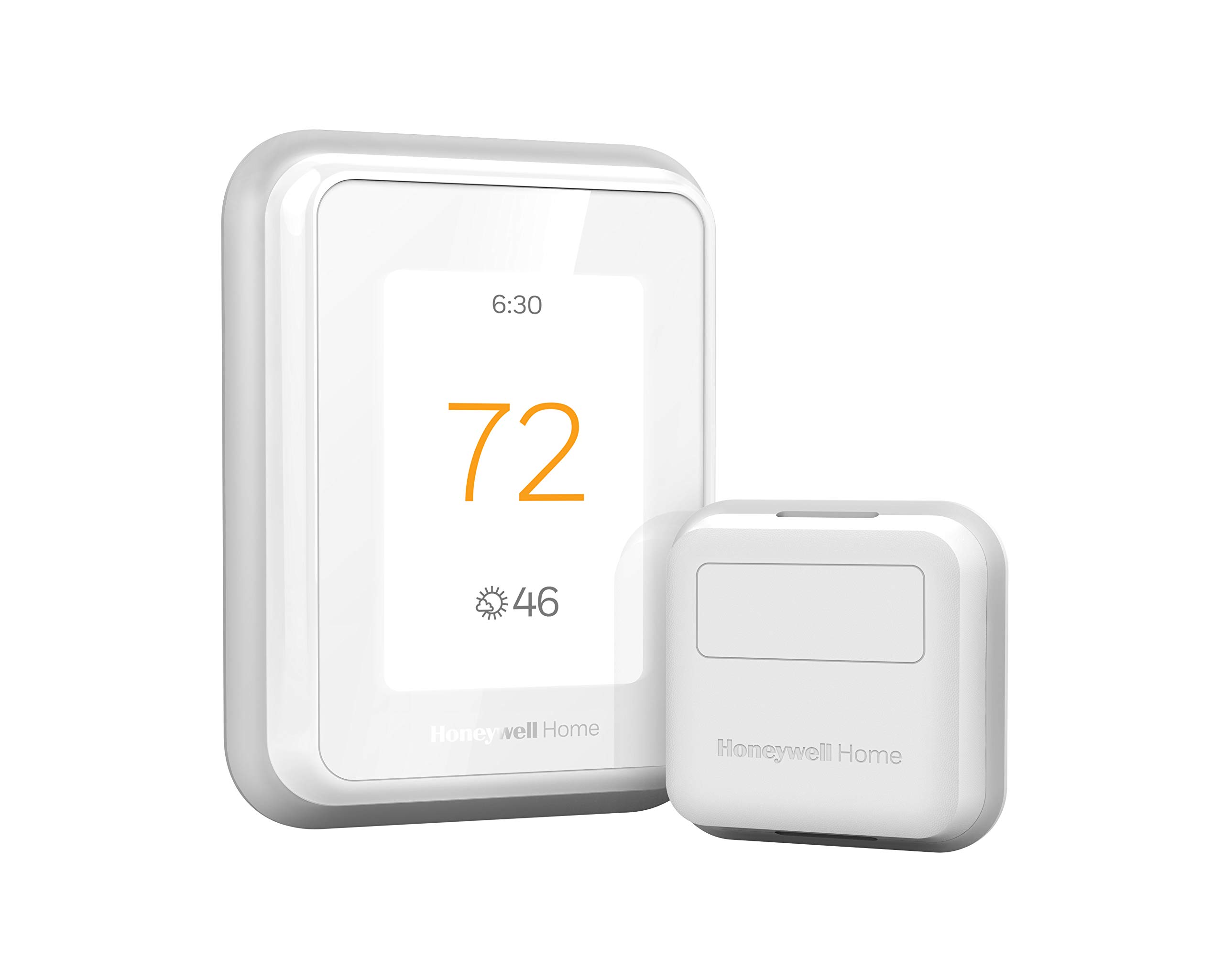
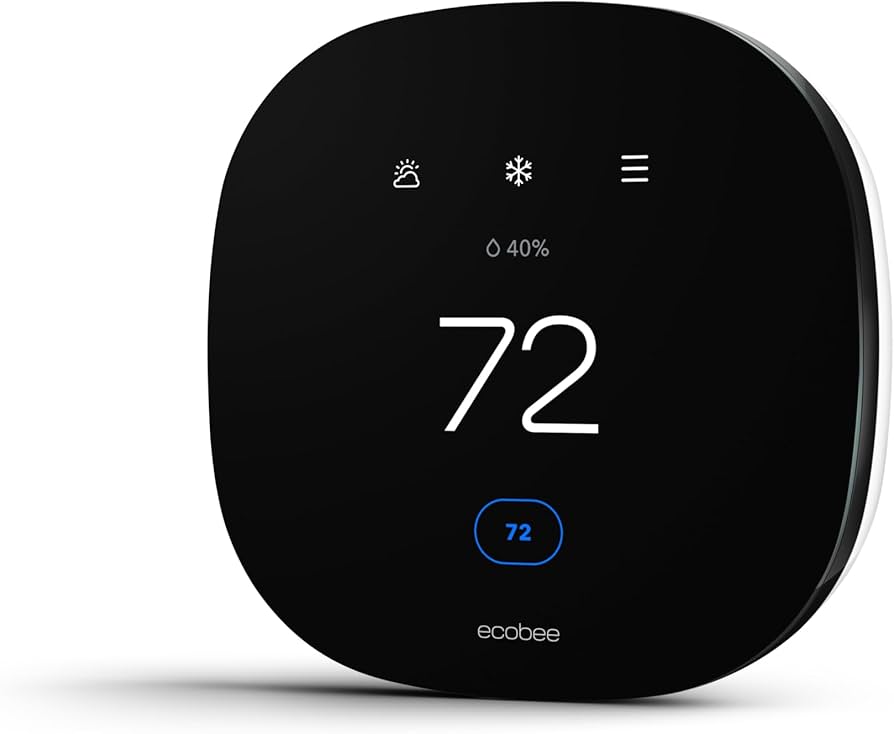
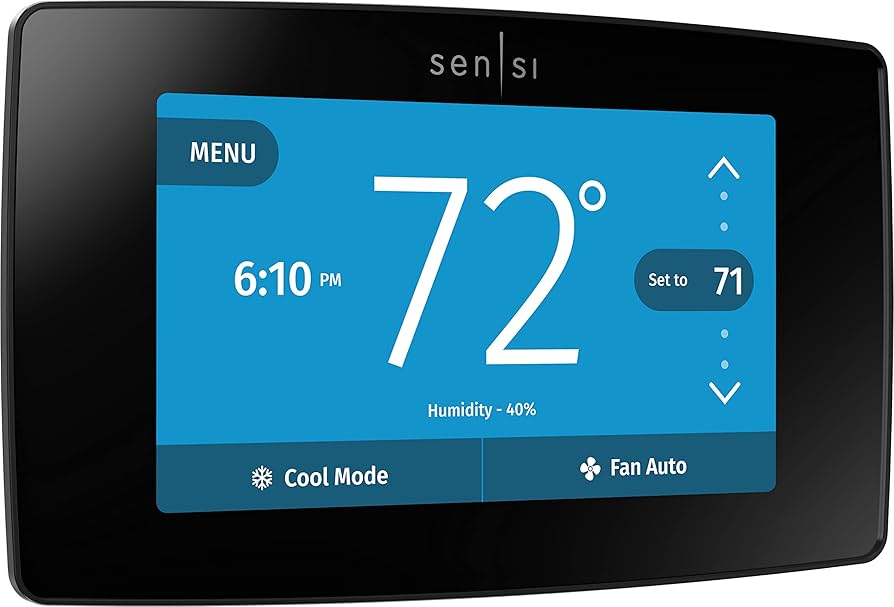
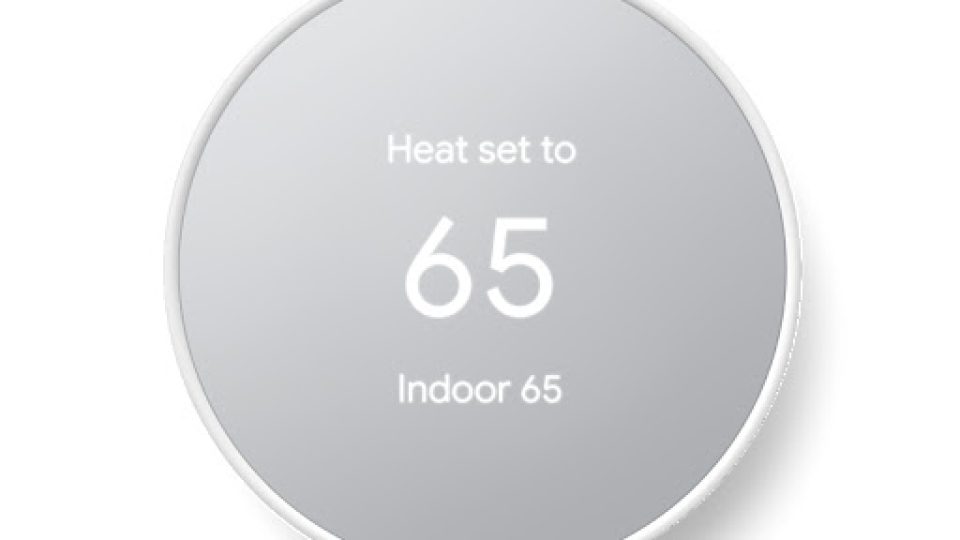
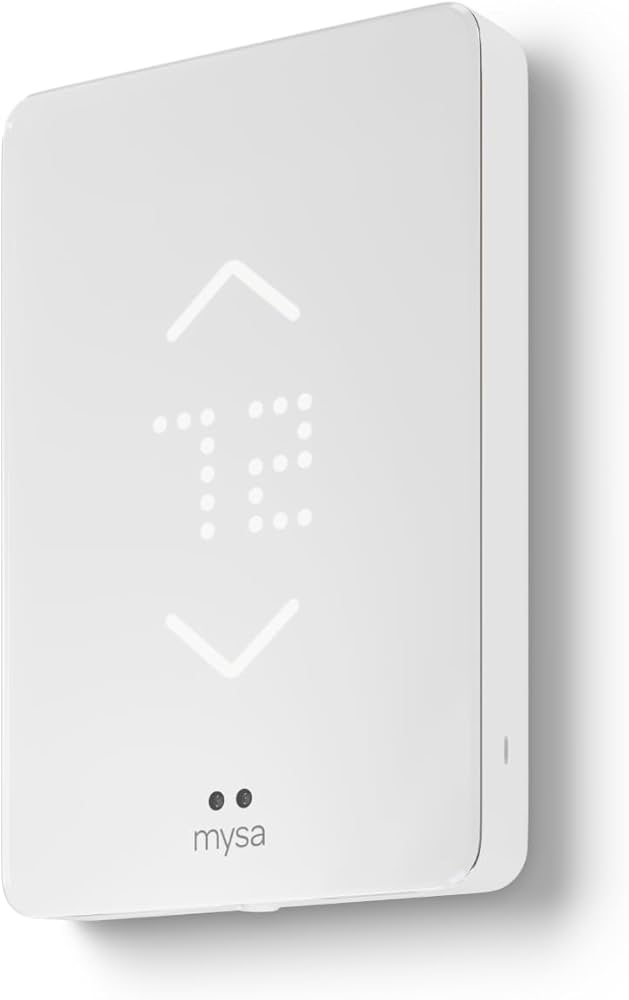
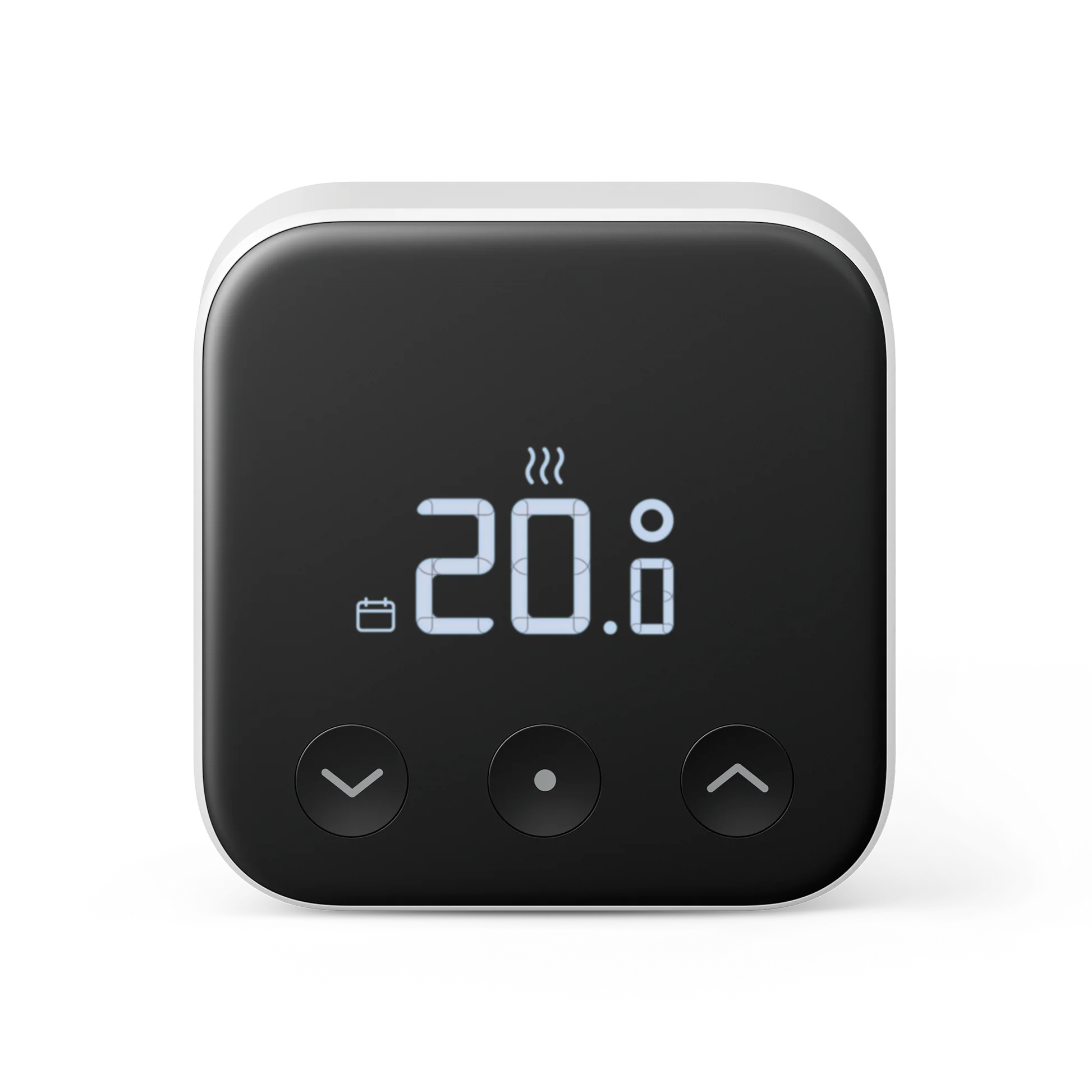
This guide is for anyone shopping for a smart thermostat, whether you are replacing a basic programmable thermostat, upgrading to a voice-enabled model, or installing temperature control for a rental or vacation home. It focuses on the practical differences that matter: compatibility with your HVAC system, required wiring, smart-home integrations, and the types of sensors a thermostat supports.
What matters most is matching the thermostat to your system and habits. Check whether your HVAC system needs a C-wire or a special adapter, whether you use electric baseboard heat or a low-voltage furnace, and whether you want room sensors for more even comfort. Also consider which voice assistants and smart platforms you already use for the smoothest setup.
Use the ranked list to narrow choices based on typical priorities: best overall feature set, best for learning/automation, best budget pick, best for electric systems, or best for multi-zone comfort with sensors. Each entry prioritizes real-world factors like installation ease, app quality, sensor support, and ecosystem compatibility.
Before you buy, confirm wiring and compatibility with your installer or the thermostat manufacturer's compatibility checker. If you are unsure about wiring or system type, professional installation avoids damage to HVAC controls and ensures the thermostat delivers the expected benefits.
How to choose
- Confirm wiring and system type: verify whether your HVAC needs a common (C) wire, or if you have high-voltage electric baseboard heating that requires a dedicated high-voltage thermostat.
- Match to your HVAC features: ensure support for heat pumps, multi-stage systems, dual fuel setups, or zone control if your system uses those features.
- Decide on sensors and coverage: choose a thermostat that includes or supports remote room sensors if you want to reduce hot and cold spots across your home.
- Consider integration and voice control: pick a model that works with your preferred ecosystem such as Alexa, Google Assistant, or Apple HomeKit.
- Assess app quality and automation features: look for reliable scheduling, geofencing, learning routines, and clear energy reports in the companion app.
- Think about installation and support: weigh DIY-friendly installers and clear instructions against available professional installation and local support.
- Balance upfront cost and long-term value: a cheaper unit can be fine for basic control, while more advanced models pay off in comfort and potential energy savings for larger or complex homes.
Key features that matter
- C-wire and power method: how the thermostat is powered affects compatibility and stability of features like Wi-Fi and sensors.
- Remote/room sensors: help manage temperature differences in larger homes or rooms that run hot or cold.
- Smart scheduling and learning: schedules, geofencing, and learning routines reduce manual adjustments and can improve efficiency.
- Integrations and voice assistants: native support for your smart-home platform makes automations simpler and more reliable.
- Compatibility with HVAC specifics: support for heat pumps, multi-stage compressors, humidifiers, dehumidifiers, and zoning matters for complex systems.
- Energy reporting and HVAC protection: diagnostics, runtime reports, and alerts for maintenance or unusual behavior help protect equipment and spot inefficiencies.
- Physical interface and display: touchscreen clarity, physical buttons, and remote app control affect daily ease of use.
Common mistakes
- Buying without checking system compatibility or wiring first, which can cause installation failure or require a separate adapter.
- Assuming all smart thermostats support room sensors or every smart-home platform; sensor support and integrations vary by model.
- Overvaluing gimmicks like always-on displays while overlooking core needs such as HVAC compatibility and app reliability.
- Installing without validating heat pump or multi-stage wiring, which can lead to improper control and reduced performance.
- Expecting large immediate energy savings from a thermostat alone; savings depend on usage patterns, home insulation, and behavioral changes.
Maintenance and longevity
- Keep firmware and app software updated to maintain compatibility and security fixes.
- Check sensors and batteries (if applicable) periodically and replace batteries promptly to avoid gaps in control.
- Follow HVAC maintenance schedules: clean filters and perform seasonal checks so the thermostat controls a healthy system.
- If Wi-Fi is unstable, consider a wired power option or improve network reliability to prevent connectivity-related issues.
How we ranked
We prioritized broad, practical criteria: system compatibility, real-world installation ease, app quality and automation features, support for room sensors, and integration with popular smart-home assistants. Reliability and HVAC protection features such as compressor safeguards and runtime reports received extra weight because they affect equipment lifespan and comfort.
User experience factors—like the responsiveness of the app, clarity of scheduling, and quality of customer support—were balanced against hardware strengths. We also considered use-case fit so buyers can quickly identify models best for multi-room sensor setups, high-voltage electric systems, budget-conscious purchases, or advanced voice integrations.
FAQ
Many Wi-Fi smart thermostats require a C-wire for steady power, though some models offer workarounds or power adapters. Check the thermostat's compatibility checker and, if unsure, consult an electrician or HVAC pro before purchasing.
If you are comfortable turning off power at the breaker and following wiring diagrams, DIY installation is possible for many low-voltage systems. For high-voltage systems, complex multi-stage systems, or if wiring is unclear, professional installation is recommended.
A smart thermostat can reduce energy use by enabling better schedules, geofencing, and temperature setbacks, but actual savings depend on your home insulation, HVAC efficiency, and how you use the controls.
Many models support heat pumps and multi-stage HVAC, but compatibility varies. Verify support for your specific system configuration before buying, especially for auxiliary heat or dual-fuel setups.
Remote sensors measure temperature and occupancy in other rooms so the thermostat can balance comfort across the home instead of relying only on the thermostat's immediate location.
Yes, but consider a model that is easy to remove and reset to factory settings. Confirm with your landlord before making wiring changes or installing devices that require alterations to the HVAC system.
Security depends on manufacturer updates and your network practices. Use strong Wi-Fi passwords, keep firmware updated, and enable two-factor authentication on associated accounts when available.