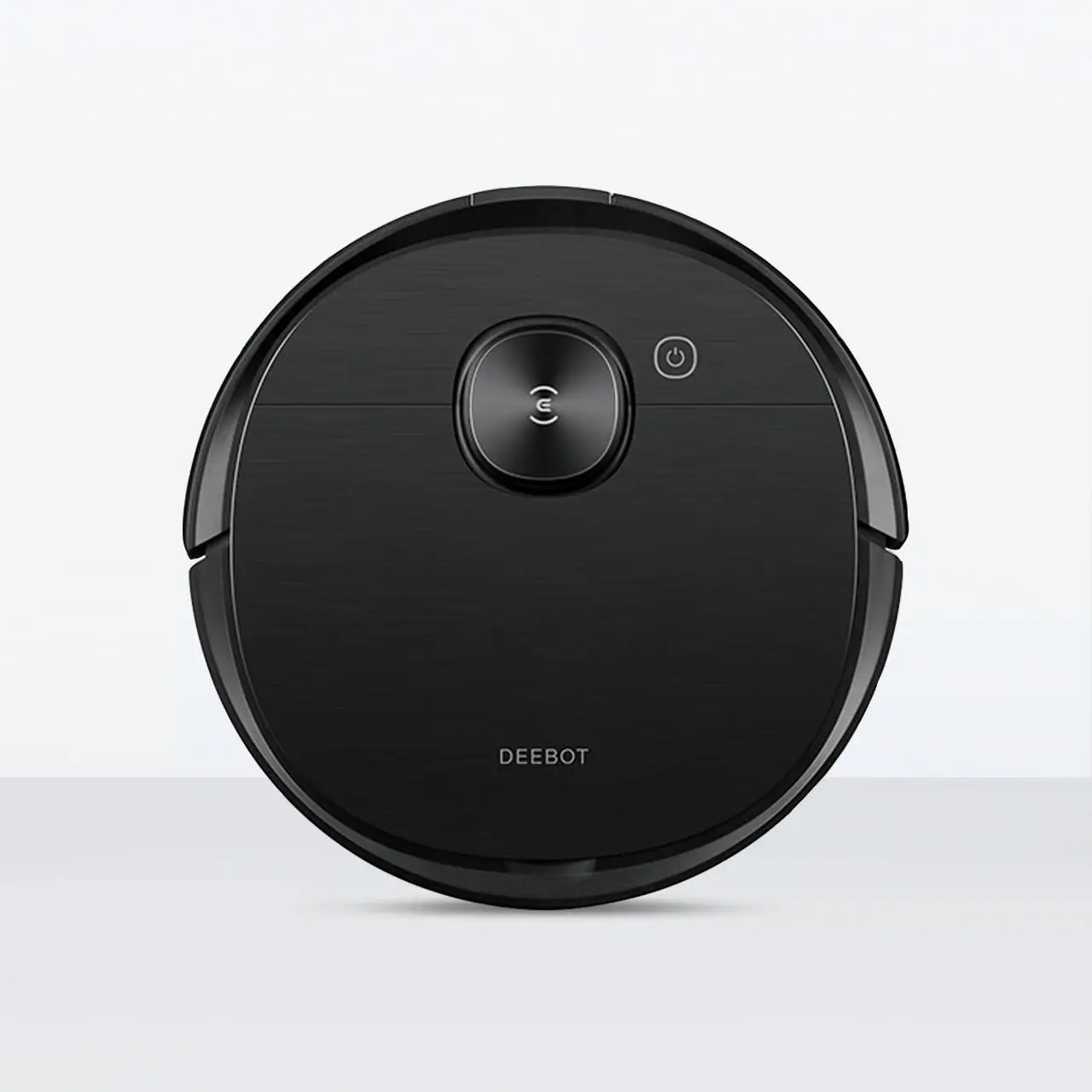
Ecovacs Deebot T8 AIVI
Disclosure: This page contains affiliate links. If you buy through them, we may earn a commission at no extra cost to you. As an Amazon Associate we earn from qualifying purchases.
Appears in these guides
Review
The Ecovacs Deebot T8 AIVI is a premium robotic vacuum and mop aimed at households that want a hands-off cleaning routine with smarter navigation. It is suited for people with mixed floor types, pet hair, and those who value app control and mapping features. If you are comfortable with periodic maintenance and mindful of a camera-equipped device in shared spaces, this model could be a fit.
As an overview, the T8 AIVI is advertised as combining vacuuming and mopping with advanced obstacle recognition and mapping. It is often described as having on-board cameras or sensors to identify common obstacles and a mobile app that manages schedules, maps, and cleaning modes. The packaging tends to emphasize automated, room-by-room cleaning and selective area control.
- Key features to look for: obstacle recognition, simultaneous vacuum and mop, intelligent mapping and no-go zone setup, app and voice control, and scheduled cleaning.
In everyday performance the T8 AIVI generally handles routine cleaning tasks reliably on hard floors and low to medium pile carpets. It typically picks up surface dust and pet hair well and can maintain floors between manual deep cleans. Mopping is useful for light soil but may not replace manual scrubbing for dried or stubborn stains.
Usability is an area where the Deebot often shines. The app-based setup walks through mapping and schedule creation, and the mapping features let you name rooms and set restricted areas. Controls are available from the app and commonly through smart home assistants. New users should expect a short learning period to get maps and schedules tuned to their home layout.
Maintenance is straightforward but regular. Expect to empty the dustbin frequently, clean or replace filters and brushes on a schedule, rinse and dry mop pads, and check sensors and camera lenses for dust. Firmware updates and occasional recalibration via the app help keep navigation accurate over time. Replacement consumables are a normal ongoing cost.
What to watch out for: the onboard camera or visual sensors raise privacy considerations in shared or sensitive spaces, so review how images and data are handled. Navigation can struggle with very low-profile obstacles, dark fabrics, or dense clutter, and thin cords or fringe can sometimes tangle. App behavior varies by firmware version, so check current user feedback for stability notes before relying on advanced features.
This review was drafted by AI and should be verified for accuracy before making decisions.
Pros
- Combined vacuum and mop for light maintenance
- Advanced obstacle recognition to reduce collisions
- Room mapping and no-go zone setup in the app
- Good at picking up surface pet hair
- App and voice control for scheduled cleaning
Cons
- Mopping not a replacement for deep scrubbing
- Camera raises privacy considerations
- Can still get stuck on low or irregular obstacles
- Requires regular cleaning of brushes, filters, and pads
- App features and stability can change with firmware