QuickBooks Online
Disclosure: This page contains affiliate links. If you buy through them, we may earn a commission at no extra cost to you. As an Amazon Associate we earn from qualifying purchases.
Appears in these guides
Review
Who it is for: QuickBooks Online is commonly used by small and mid sized businesses, freelancers, and bookkeepers who prefer a cloud based bookkeeping tool. It seems suitable for users who need regular invoicing, basic payroll or expense tracking and want access from multiple devices. Businesses with more complex accounting needs may want to compare feature sets carefully.
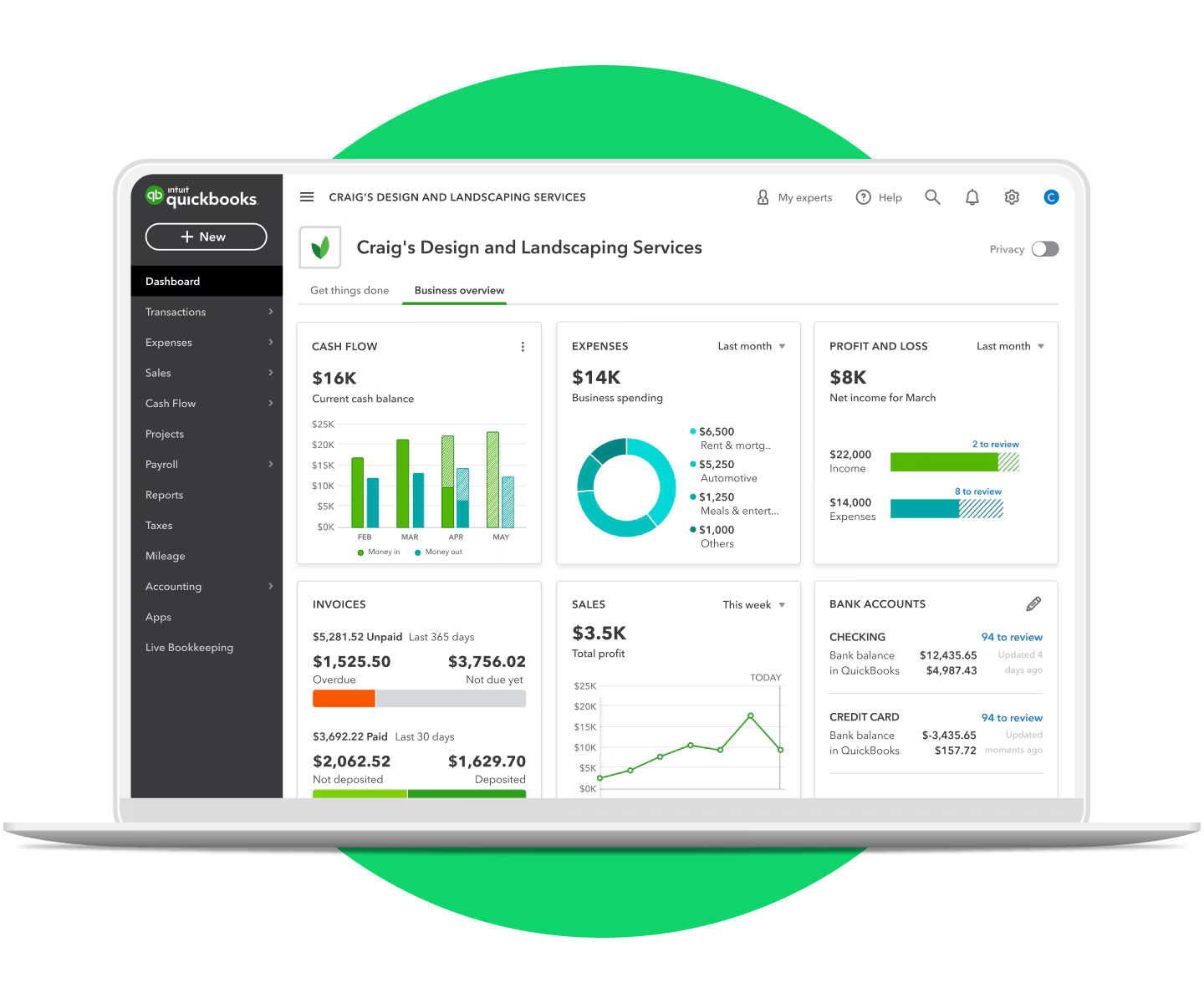
Key features: Core capabilities appear to include invoicing and billing, bank and card connections for transaction importing, basic financial reports, and a mobile app. There are also optional modules and third party integrations that extend payroll, inventory, and time tracking. The platform emphasizes automated bank feeds and categorized transactions to reduce manual entry.
Performance: As a web application, performance usually depends on browser choice and internet connection. Many users report generally responsive behavior for everyday tasks like invoicing and reconciliation, while larger data sets or complex reports can take longer to load. Browser caching and app updates can affect speed from time to time.
Usability: The interface is designed to be approachable for non accountants, with guided workflows for common tasks. Expect a learning curve around accounting terminology and settings for taxes, accounts, and reconciliation. In product help and tutorial resources are available, which helps when setting up or troubleshooting common tasks.
Maintenance and support: Because the product is cloud hosted, vendor side updates and backups are handled centrally, which reduces local maintenance. Users still need to maintain housekeeping tasks like reconciling accounts, reviewing automated rules, and keeping integrations up to date. Support options range by plan and may include chat, phone, and a knowledge base.
What to watch out for: Feature availability can vary across plans, so verify that a required capability is included before committing. Add on services such as payroll or advanced support may incur additional fees. Integrations and third party apps can simplify workflows but may introduce synchronization differences or additional subscription costs. Also consider how easy it is to export your data if you need to migrate later.
- Quick takeaways
- Good match for small businesses that want cloud access and automated bank feeds.
- Solid core invoicing, reconciliation, and reporting features with many integrations.
- Performance is generally acceptable but can vary with large data volumes.
- Expect a modest learning curve for accounting setup and tax settings.
- Confirm plan inclusions and potential add on costs before committing.
This review was drafted by AI and should be verified against official sources before making decisions.
Pros
- Cloud access from any device with internet
- Integrated bank feeds reduce manual entry
- Comprehensive invoicing and billing tools
- Large ecosystem of third party integrations
- Vendor handled updates and backups
Cons
- Some useful features tied to higher tier plans
- Additional modules like payroll often cost extra
- Learning curve for non accountants setting up accounts
- Limited or no offline access
- Data export for full history can be clunky