Best Accounting Software for Small Businesses in 2026

Disclosure: This page contains affiliate links. If you buy through them, we may earn a commission at no extra cost to you. As an Amazon Associate we earn from qualifying purchases.

Updated Feb 4, 2026 10 picks How we score
1
Rank
Best for Growing Businesses

Xero

Simple, modern cloud accounting with excellent bank feeds and multi-currency support for growing small businesses.

  • Unlimited users on all plans
  • Strong bank reconciliation and automatic statement imports
  • Multi-currency and inventory features

2
Rank
Simple and straightforward

Kashoo

Straightforward cloud accounting focused on simplicity and core bookkeeping for small businesses.

  • Clean, easy-to-use interface with simple chart of accounts
  • Automatic bank feeds and one-click reconciliation
  • Unlimited users and solid customer support
3
Rank
Best Value

Zoho Books

Affordable cloud accounting with strong automation and deep integration into the Zoho ecosystem.

  • Workflow automation and recurring transactions
  • Integrated client portal and project billing
  • Multi-currency, tax compliance, and inventory handling
4
Rank
Best for Freelancers

FreshBooks

User-friendly invoicing and time-tracking focused accounting designed for freelancers and service businesses.

  • Intuitive time tracking tied to invoices
  • Customizable invoices and automated payment reminders
  • Client portal for easy collaboration
5
Rank
Free

Wave

Free accounting and invoicing software ideal for sole proprietors and very small businesses on a budget.

  • Free core accounting and invoicing features
  • Receipts scanning and simple bank connections
  • Paid add-ons: payment processing and payroll
6
Rank
Best Full-Service Option

Bench

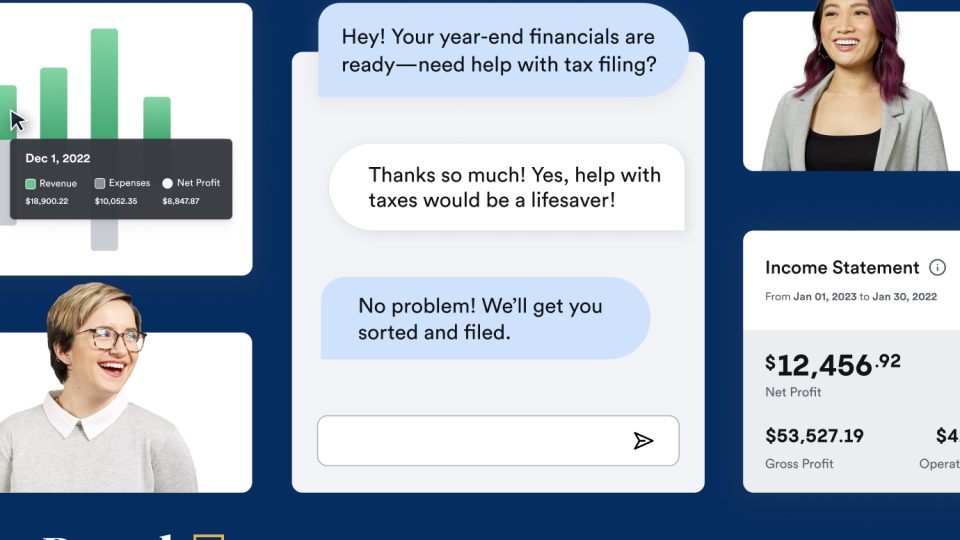
Hybrid service combining bookkeeping software with a dedicated team of bookkeepers for small businesses.

  • Dedicated bookkeeping team prepares monthly books
  • Simple online dashboard for reports and tax-ready statements
  • Good for business owners who prefer outsourcing bookkeeping
7
Rank
Good for basics

Sage Business Cloud Accounting

Streamlined online accounting geared toward small businesses that need core accounting and reliable invoicing.

  • Simple invoicing, cash flow management, and bank reconciliation
  • Scalable plans with payroll and add-ons
  • Good for businesses that prefer a traditional accounting brand
8
Rank
Best for UK Freelancers

FreeAgent

Accounting built for freelancers and micro-businesses with an emphasis on ease of use and UK tax features.

  • Simple invoicing, time tracking, and expense management
  • HMRC-compatible features like self-assessment and RTI
  • Project profitability and client management tools
9
Rank
Best Overall

QuickBooks Online

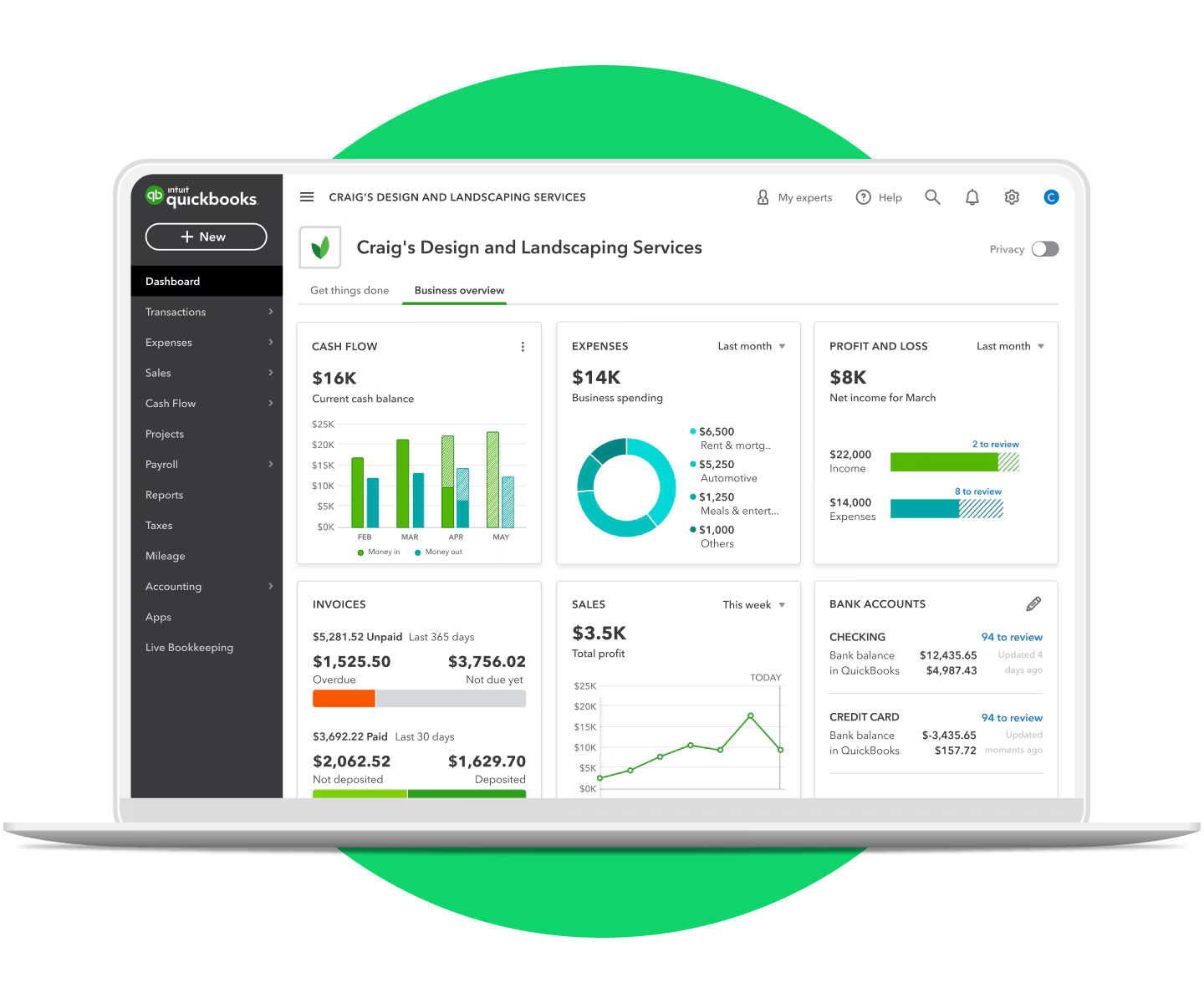
Feature-rich cloud accounting for small businesses with strong bookkeeping, invoicing, and payroll integrations.

  • Robust invoicing, estimates, and expense tracking
  • Automatic bank reconciliation and real-time reports
  • Built-in payroll (add-on) and thousands of third-party integrations
10
Rank
Best for Independent Contractors

QuickBooks Self-Employed

Lightweight accounting and tax-tracking app tailored to freelancers, contractors, and gig workers.

  • Tracks mileage, expenses, and quarterly estimated taxes
  • Simple invoicing and Stripe/PayPal integration
  • Helps separate business and personal transactions

This guide is for small business owners, freelancers, and managers who need practical accounting software recommendations and a quick way to compare options. If you handle invoicing, expense tracking, payroll, or tax reporting for a small business, this list highlights common choices and what to consider when picking a platform.

What matters most depends on your business model. Service businesses often prioritize invoicing and time tracking. Product sellers need inventory and multi-currency support. Growing teams care about multi-user access, role permissions, and integrations with payroll or point of sale systems. Consider workflow fit as much as feature lists.

Use the ranked list to narrow options by category: cloud-first full accounting suites, freelancer-focused tools, free basic platforms, and hybrid bookkeeping services. Read the buying guide to match key features to your needs, then check vendor documentation and trial accounts to confirm fit before committing.

How to choose

Key features that matter

Common mistakes

Maintenance and longevity

How we ranked

Rankings are based on a combination of core accounting capabilities, ease of use, integration ecosystem, and fit for typical small business workflows. We prioritized solutions that reduce manual bookkeeping, support common small business needs like invoicing and payroll, and offer reliable bank connections.

We also considered specialization: which products serve freelancers and service businesses well, which scale for multi-user companies, and which provide low-cost or free entry points for sole proprietors. Practical factors such as reporting quality, time tracking, and options for outsourcing bookkeeping influenced placement as well.

This guide was drafted by AI and should be verified against vendor documentation and an accounting professional before making decisions.

FAQ

Choose a tool focused on invoicing and time tracking with simple expense capture. Look for integrated time-to-invoice features and a client portal for billing and communication.

Prioritize inventory management, multi-currency support if you sell internationally, and strong reporting tied to cost of goods sold and margins.

Most cloud systems let you export data (CSV, Excel) and reports. Plan migrations carefully: export charts of accounts, transaction histories, and reconciliations, and test imports in the new system.

If you have simple payroll needs, an integrated payroll add-on can save time. For complex payroll, local compliance, or many employees, a dedicated payroll provider or accountant may be better.

Reconcile at least monthly; weekly is better for active businesses. Regular reconciliation catches errors and ensures financial reports reflect true balances.

Look for strong authentication, encrypted data storage and transfer, regular backups, and granular user permissions. Also verify vendor support and uptime policies.

Free tools can work for sole proprietors and very small businesses, but evaluate limits on users, integrations, and advanced features you may need as you grow.

Yes. An accountant can advise on tax reporting, chart of accounts setup, and which features will simplify year-end filing for your business.
Privacy Policy ยท Terms of Service

Disclosure: This page contains affiliate links. If you buy through them, we may earn a commission at no extra cost to you. As an Amazon Associate we earn from qualifying purchases.